Creating Cosmetics
Creation
Here you can learn how to create a cosmetic. Whether it's without using plugins to create custom items, or, conversely, learning how to create cosmetics with plugins like ItemsAdder or Nexo.
Different types of cosmetics have unique options that are not common. Here, the options that are common to all types of cosmetics will be shown.
yaml
cosmetics:
  test_balloon: # this will be the ID of the cosmetic
    permission: 'cosmetics.test_balloon' # to use the permission, you must have the permissions option enabled in the config.
    item:
      display: '&btest balloon' # the name that the cosmetic item will have
      texture: 'here' # if your item is a head, you can select the head texture at this path!
      material: LEATHER_HORSE_ARMOR # the material of the cosmetic; if you are using ItemsAdder, you can remove this path
      # if you are using the ItemsAdder or Nexo plugin, you can just specify the name of your item here, and that will be enough
      item-adder: balloon # optional
      nexo: balloon # optional
      lore: # the description of the item; if you do not want it, you can remove this path
      - ''
      - '&cfirst'
      - ''
      unbreakable: true # choose if the item will be unbreakable!
      glow: true # chooses if the item will have a glow effect.
      hide-attributes: true # choose if the item's attributes will be hidden.
      modeldata: 10030 # here you specify the model data of the item; if the item is from the ItemsAdder or Nexo plugin, this will be skipped.
      color: '#004F71' # Set a default color for the cosmetic (if you need one).
    colored: false # choose if the cosmetic will be colorable
    type: BALLOON # choose the type of cosmetic
    hide-menu: false # Determines if the cosmetic will be visible in the menu.
    use-emote: false # Used to specify if the cosmetic should be displayed when using an ItemsAdder emote. Disabled by default.
And that's all the options that are common to all types of cosmetics.
Balloons
ATTENTION
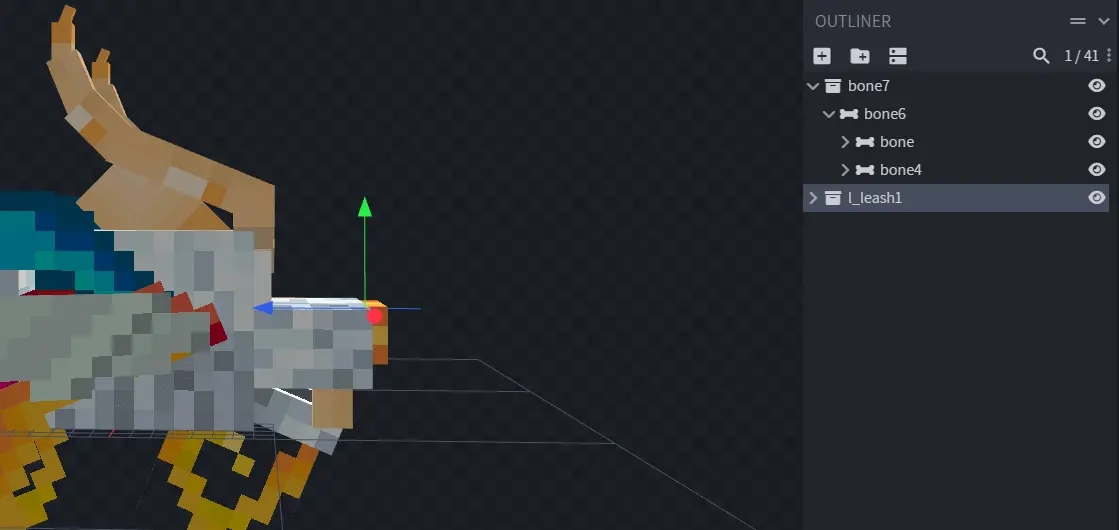
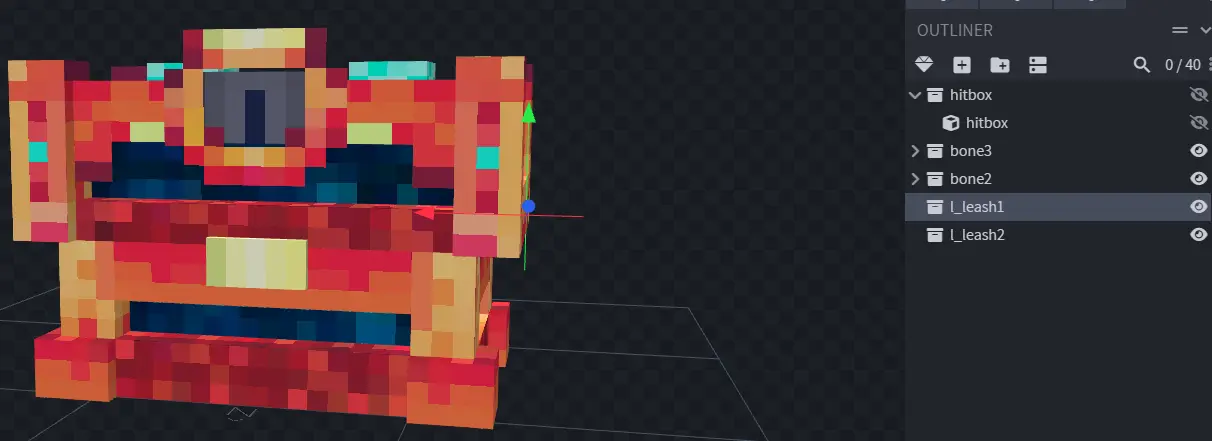
If you are using a balloon from ModelEngine or ItemsAdder, make sure your model contains bones for the leash, otherwise your balloon may not work correctly.
For ECosmetics to detect the leash bone, the name of your bone must start with "l_".
ModelEngine
ItemsAdder